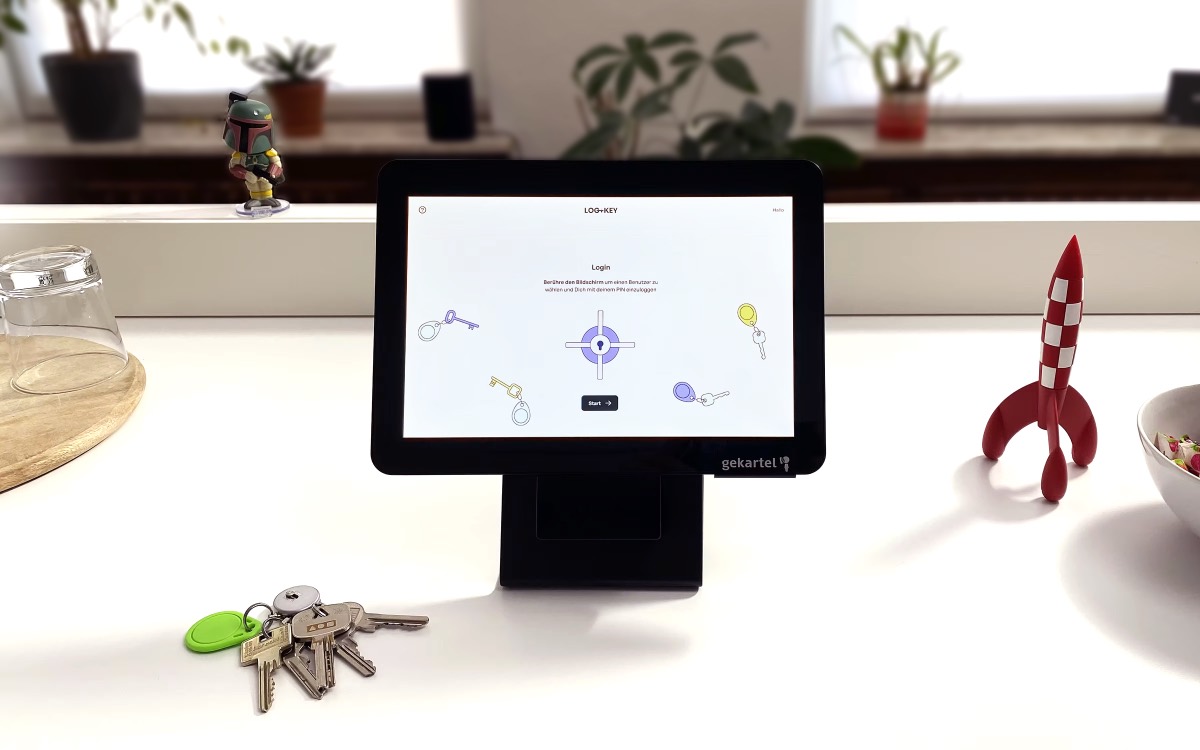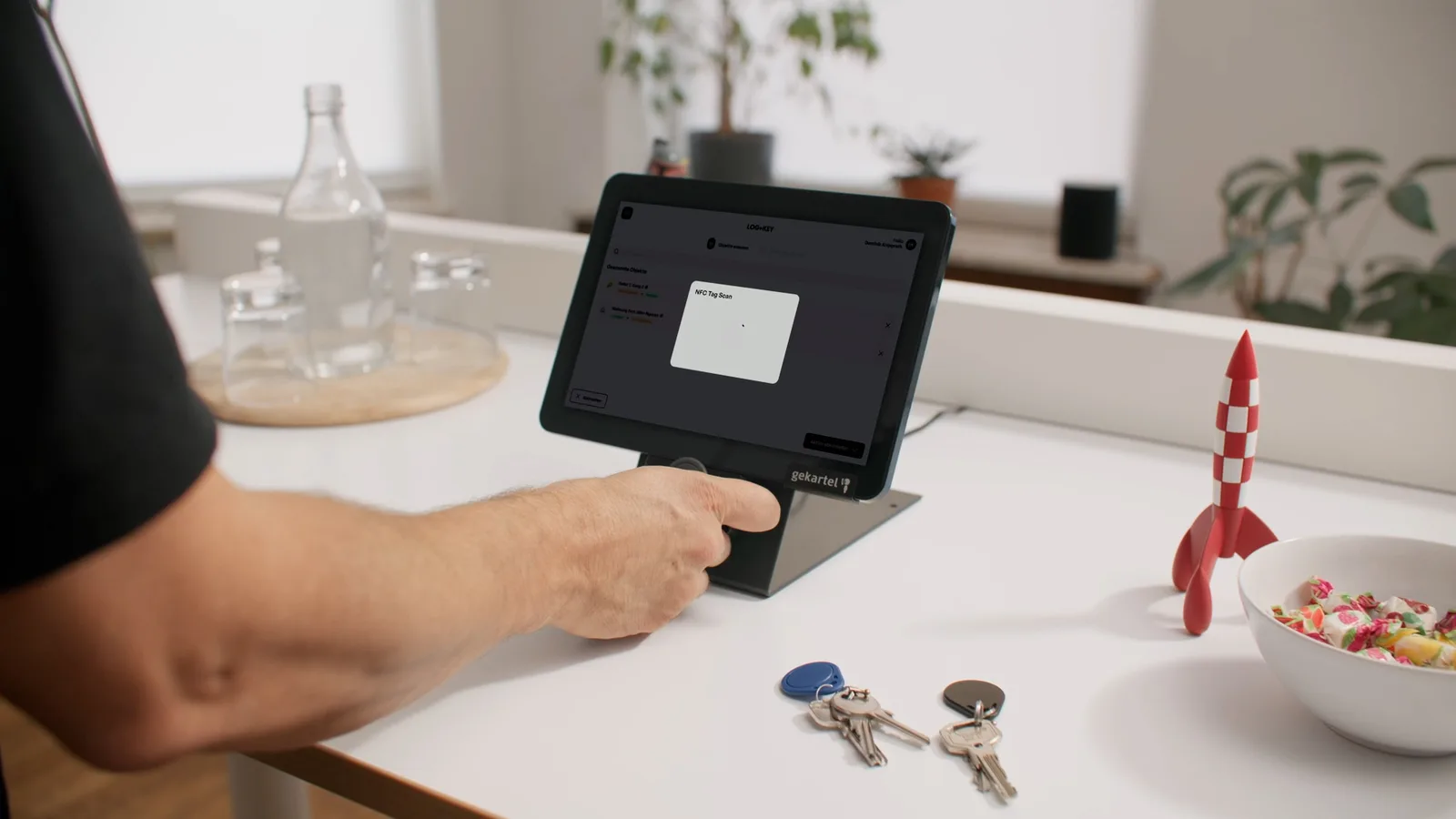
Version 2.4 is here — and it makes the path to your keys shorter than ever. From now on, you can sign in at the Log+Key terminal with your personal NFC tag: one wave of your hand past the terminal, and you're in.
🔑 Until now: pick your account, enter your PIN
Until now, signing in at the terminal took two steps: you selected your account from the user list — or found it via the search bar — and then entered your personal PIN. That's secure and reliable. But at the terminal, every second often counts: during shift handover, on the way to a call-out, or when a small queue forms in the morning.
✨ New: your NFC tag becomes your personal key card
With version 2.4, NFC tags can now be assigned to users too — just as easily as you already link tags to keys and every other object in Log+Key. For users, though, the tag takes on a special role: it works like your personal key card. Hold the tag up to the terminal and Log+Key recognises you instantly and signs you straight in. No searching, no typing — a single wave of the hand is all it takes.
⚙️ Set up in just a few minutes
Setup works exactly as you know it from keys: open the user in the administration area and link a free NFC tag — done. From their next visit to the terminal, a wave of the hand is enough. And don't worry: the classic login via the user list and PIN naturally remains available — for example, if the tag gets left at home.
As always: many of our best features grow out of your feedback. Give the new tag login a try and tell us how it holds up in your day-to-day — we look forward to hearing from you!