
Picture the situation: after a change of tenant, an owner asks where every single master key is. If at that moment someone first has to dig through old paper key books, or nobody knows which tradesperson last took the key, the management company quickly struggles to explain itself.
In the demanding day-to-day work of block and lettings management, missing keys, incomplete handovers and illegible receipts are unfortunately an all too familiar risk. Yet delays and uncertainty are only the tip of the iceberg: losing an entire locking system means high liability risks and expensive lock replacements.
In this article we walk through 5 typical key situations from everyday property management — and how to get them under control effortlessly and with a proper audit trail using Log+Key.
Where does key management cost property managers the most time?
Surprisingly rarely through a lost key. What costs time every day is the follow-up question: “Who has the key to flat 12?” The tradesperson is waiting outside, the property manager in charge is in a meeting — and the office turns into a switchboard. Five situations in which this happens again and again:
1. Tradespeople and service providers on site 👷♂️
- The problem: For maintenance, meter readings or repairs, external tradespeople need property and plant-room keys at short notice. If the keys are simply handed out in the bustle of office hours, the overview is quickly lost. And if a key isn’t back by Friday evening, the out-of-hours emergency cover is in trouble.
- The Log+Key solution: Secure issuing to third parties with automatic deadline monitoring. You assign property keys digitally to external people and set a maximum loan period. Once that deadline passes, Log+Key marks the key as overdue and sends an email to the person who has it — and, if you wish, to further addresses such as your key administrator. External people don’t need an account of their own: you add them as a contact, and if you like they sign for the handover directly on the device.
2. A call from an owner: 'Who was in the boiler room?' 📞
- The problem: In cases of damage, vandalism or maintenance disputes, owners or the advisory board want to know exactly who had access to communal areas over recent months. Paper logs or verbal guesses are no longer good enough for an owners’ association.
- The Log+Key solution: A complete history at the push of a button. Log+Key records every movement in a history that cannot be altered — entries are never deleted. Using the history feature you filter by property or room in seconds and produce a complete record of every checkout, including date, time and person — ideal as evidence for the next owners’ meeting.
Screencast: history with the filter, then a history entry with the “Print receipt” and “Send receipt” buttons
3. A change of owner or tenant 🔄
- The problem: When a unit is sold or new tenants move in, all the keys that belong to it (flat, cellar, letterbox, underground car park) have to be handed over in an orderly way. Without complete documentation of the handover, disputes over lost key-ring components can follow.
- The Log+Key solution: Structured object assignment and custom fields. In Log+Key you record exactly which key-ring components belong to which unit. At handover you generate digital handover records in a few clicks and send automatic email receipts to owner and buyer.
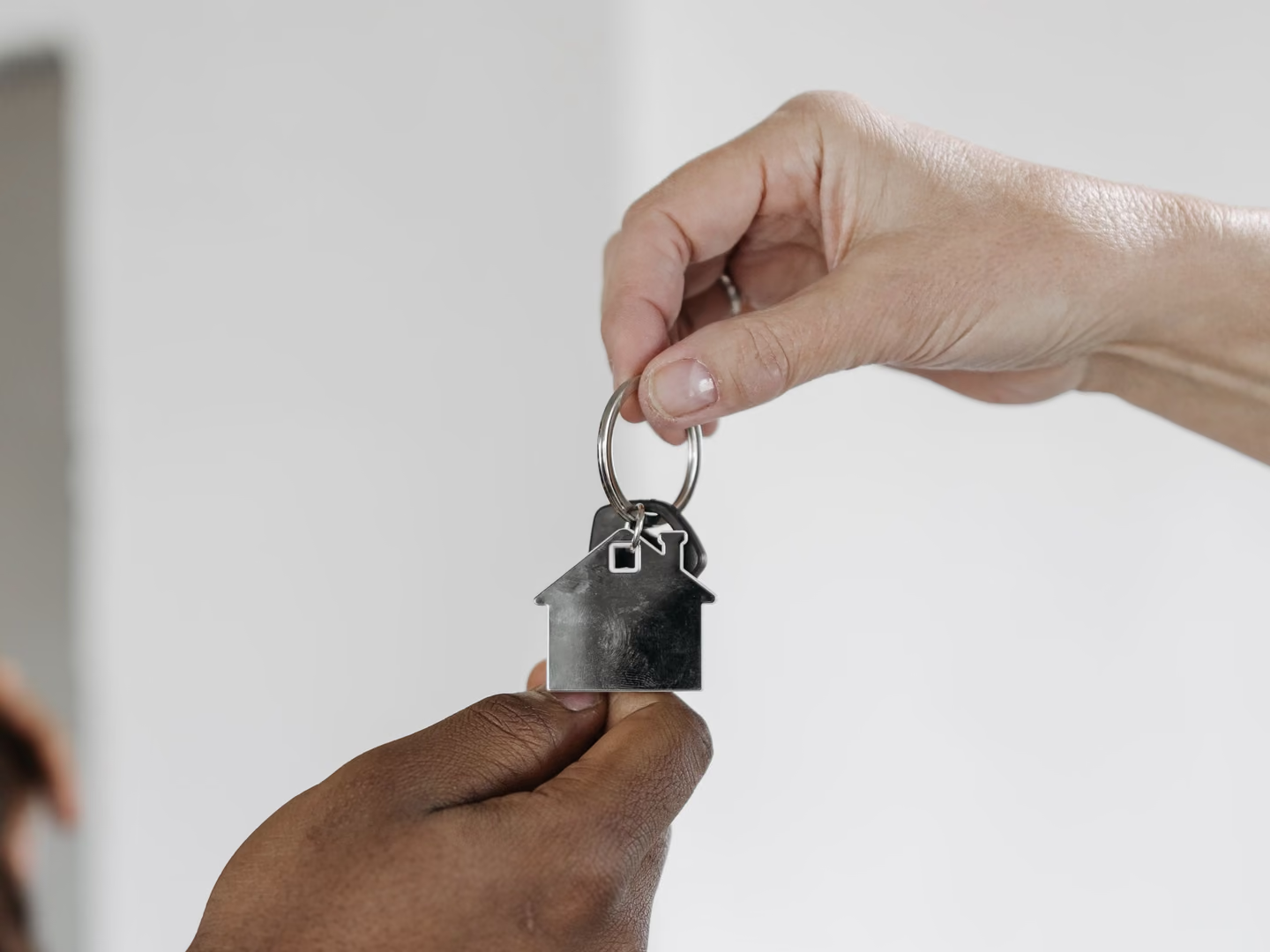
4. Several property managers, one key cabinet 🔑
- The problem: In larger management companies, several property managers, bookkeepers and site supervisors use the same key cabinets. Keys are taken out at short notice for client appointments or passed around the office without the movement being recorded centrally.
- The Log+Key solution: Real-time transparency in one place. In the app and at the terminal, every employee can see straight away where a key is and who currently has it. Signing with a personal NFC tag or PIN takes just a few seconds and fits seamlessly into everyday office work.
Film: an NFC tag is scanned with a smartphone and the app lists the items to check out; then a hand holds the tag to the terminal, which confirms the checkout
5. Long-term keys on refurbishment projects ⏳
- The problem: On larger refurbishment projects, keys are out with site managers and architects for weeks or months. The longer a key is away, the greater the risk of losing track and of responsibilities becoming blurred.
- The Log+Key solution: Automatic reminder rules and role-based access. Set fixed rules for maximum loan periods and let the system notify you automatically when keys are overdue. That way you keep full control of your inventory even on long-running major projects.
Screencast: a return deadline is set while taking out a radio; then a rule under Settings → Default return deadline gives car keys six hours automatically
How do you document keys when tenants change?
Moving in and moving out are the moments in a flat key’s life when money can be at stake later: how many keys did the tenant receive, and how many came back? “Your word against mine” is the worst possible starting point. This is how the change stays provable:
- Record the unit’s keys: flat, front door, cellar, letterbox, underground car park — each key or key ring as its own object, assigned to the unit.
- Hand them over at move-in: add the tenant as a contact, assign the keys and have the handover confirmed with date and signature. If you wish, the receipt goes to the tenant as a PDF by email.
- Let the history run in between: handovers to tradespeople during the tenancy end up in the same history — every key’s back story stays visible.
- Scan them back at move-out: each key is booked back individually. If one is missing, you know straight away which one — and your records, not your memory, are the basis for the conversation that follows.
If you still handle the change on paper, our key handover record for move-in and move-out is available as a free template.
Is an Excel spreadsheet good enough for property management?
To be honest: for a while, yes. As long as one person “does the keys” and keeps everything in their head, the list works — it is instantly available and costs nothing. It breaks in three places: when exactly that person is on holiday, at the first dispute over a missing tenant key (a cell can be overwritten without anyone seeing what was there before), and as soon as two colleagues edit the file at the same time.
| Key book (paper) | Excel spreadsheet | Log+Key | |
|---|---|---|---|
| Cost to get started | Pen and paper | Free (Office) | Up to 10 keys or objects free |
| Several people at once | One book in one place | Conflicts when editing at the same time | Any number of users |
| Who has the key right now? | Only if everyone writes it down | Only if everyone keeps it up to date | Live overview, always current |
| Handover to tradespeople and tenants | Signature in the book | Separately on paper — or not at all | Signature on the device, PDF receipt by email |
| Changes after the fact | Can be rubbed out | Cells can be overwritten | History that cannot be altered |
| Usable on the go | No | Awkward on a phone | Smartphone, terminal and browser |
One lesson from our roll-outs: when a switch fails, it is almost always because the new system is run alongside the spreadsheet instead of replacing it. Nobody keeps two versions of the truth going for long — archive the list on the day you switch. All the differences in detail: Log+Key compared with an Excel key register.
What master data does a property key need?
In property management nobody asks for “key 214”. People ask for the address, the flat on the third floor on the left, the locking system in the high street or the tenant who has just called. That is why these details have proven themselves on every key:
- Address and unit — property, floor, position
- Locking system — important when a portfolio covers several systems
- Tenant or resident — optional, depending on your data protection concept
- Key number — the number from the locking system
In Log+Key you set up custom fields for this; the search finds every key by any of these details. Residential and commercial properties can be kept cleanly apart using locations. Recording all this sounds like hard work — which is why we take care of the initial import from your existing list on request. More from the practice of our property management customers: What property management firms taught us about key handovers.
Put an end to key chaos in your property management!
Digital key management protects your company from costly liability risks, saves your property managers valuable working time and demonstrates your professionalism to owners and advisory boards. Read more about the benefits of Log+Key for property management.
Book a free demo now! In 15 minutes we will show you how easily it fits into your working day. Or set up your own test instance in a few steps and see for yourself!