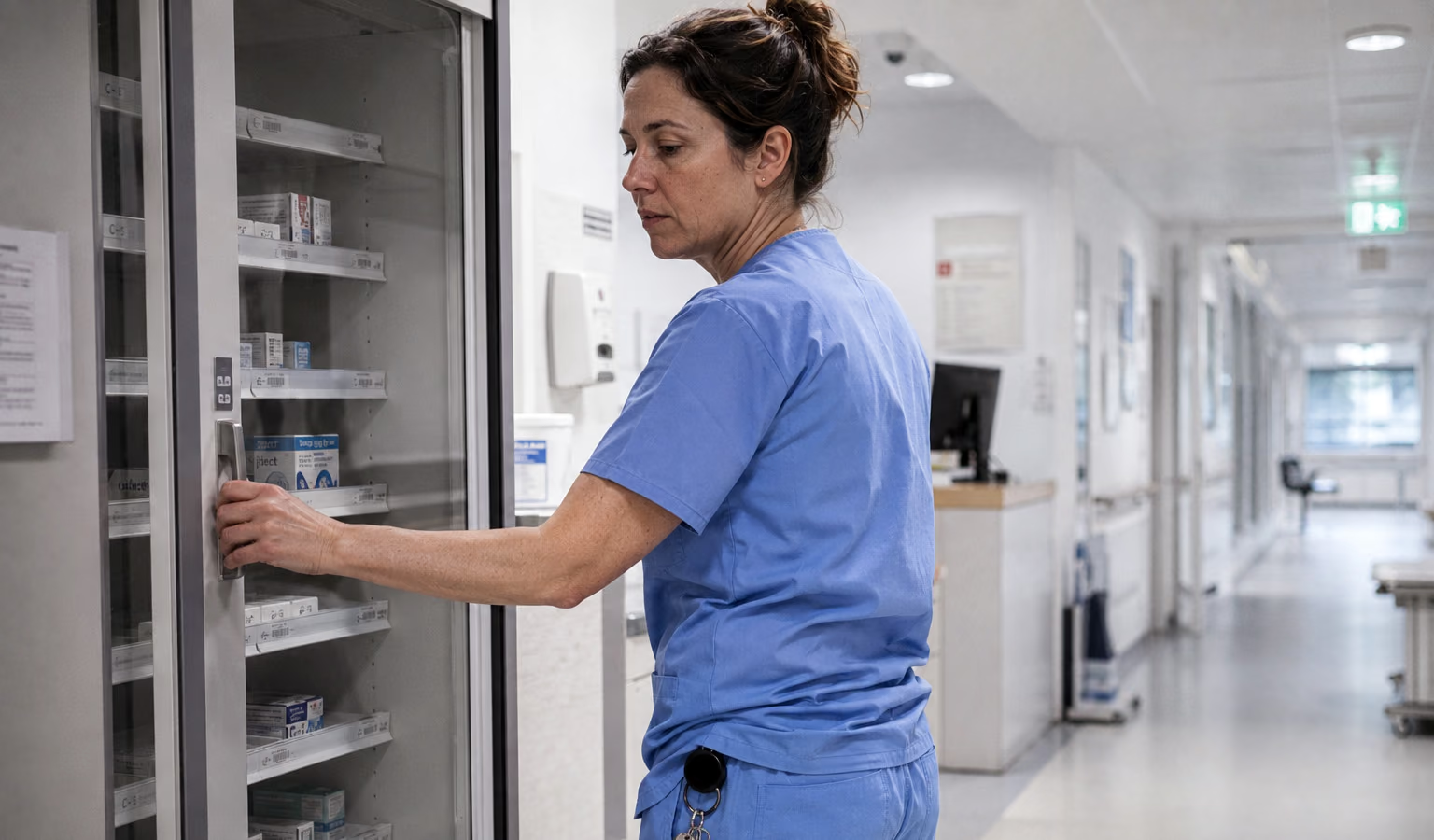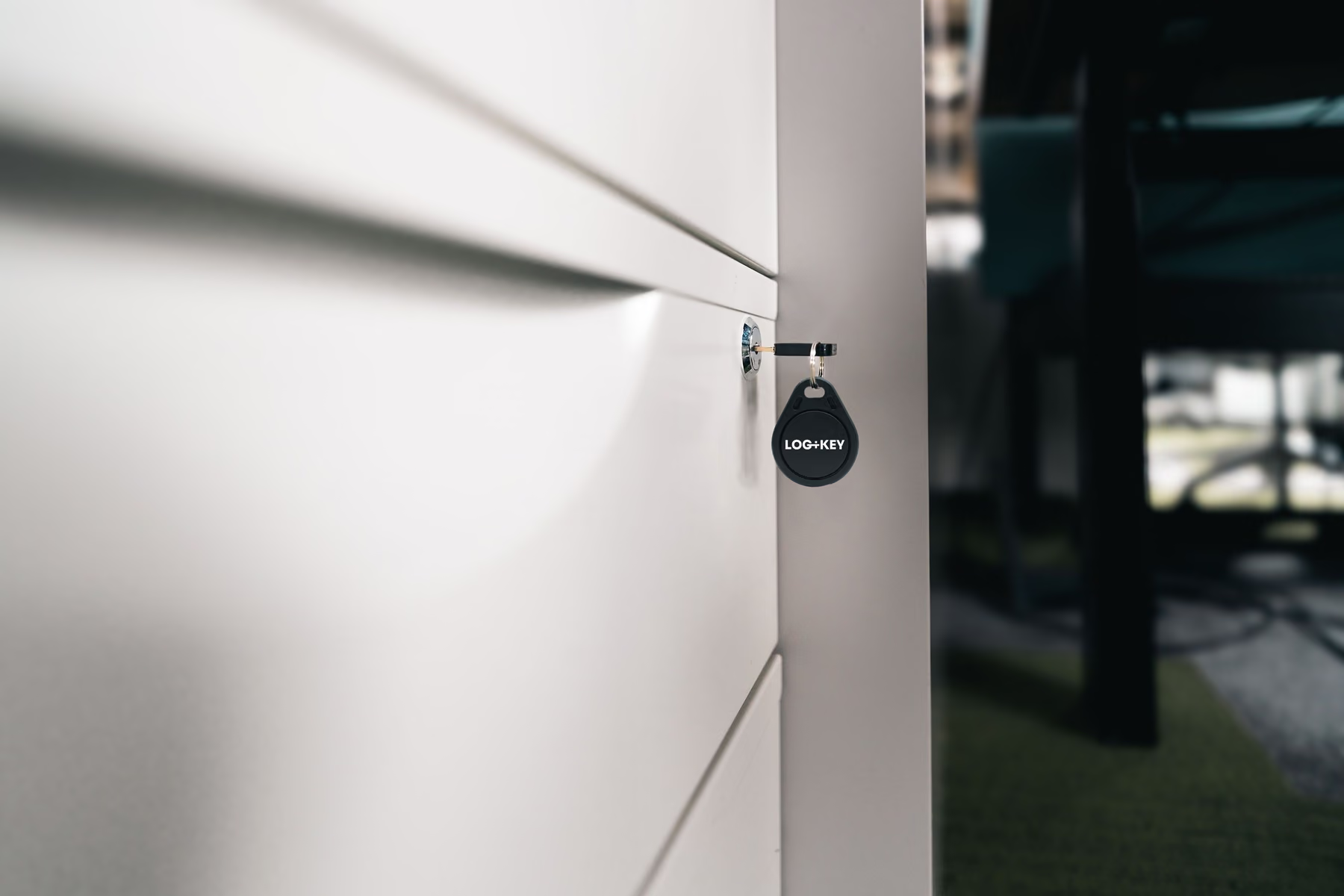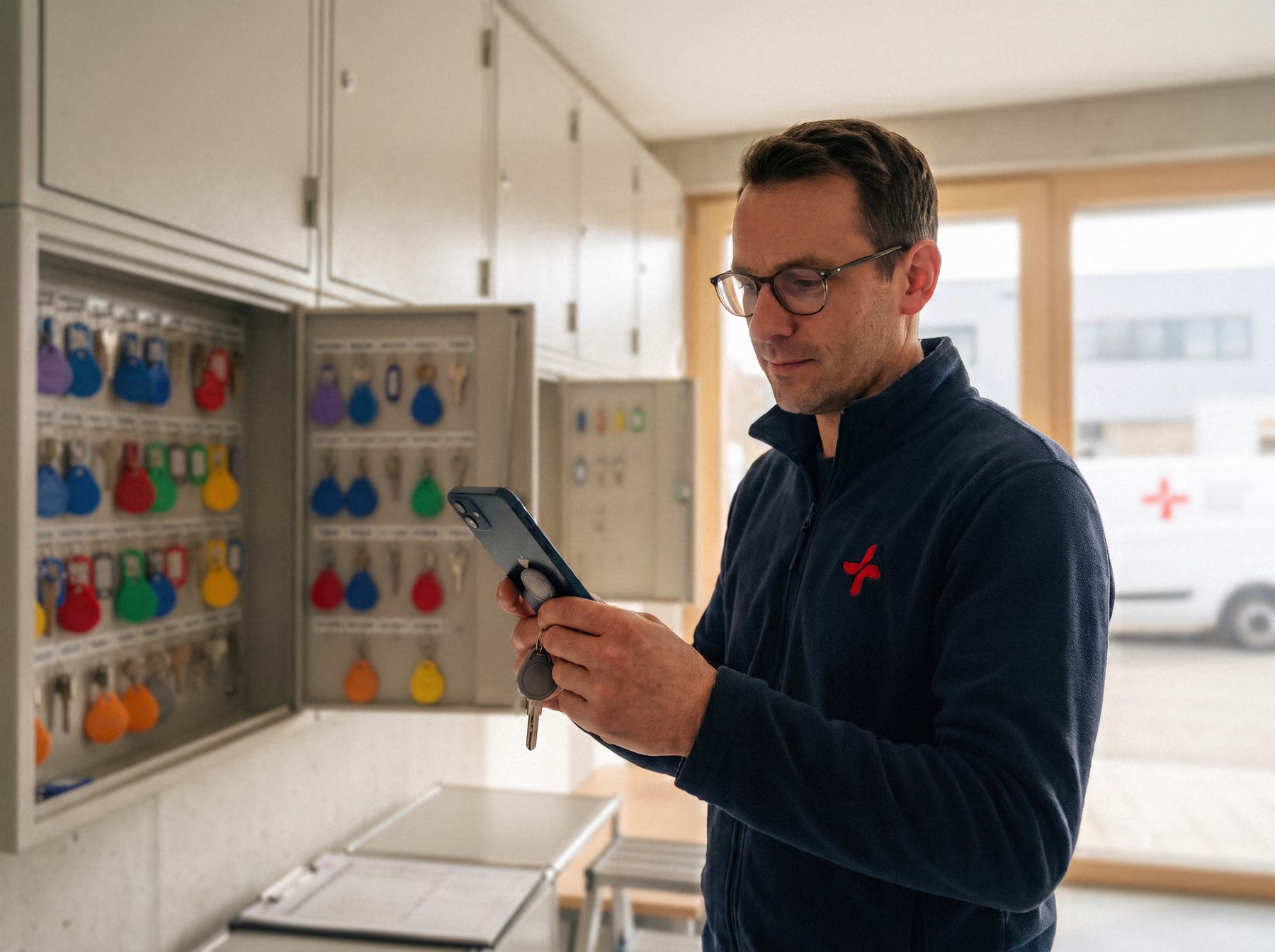
Picture the situation: at three in the morning an emergency call reaches the control centre. The responder jumps into the vehicle, but at the key cabinet there is confusion. The key is not where it should be.
Sound familiar? When precious minutes are lost searching in an emergency, people’s health is at stake. In home emergency call services, poorly documented key checkouts and lists kept twice over are unfortunately still an everyday risk.
In this article we walk through the most common pitfalls in key management at home emergency call services — and how to get them under control effortlessly and with a proper audit trail using Log+Key.
When does key management break down in a home emergency call service?
During the day, almost any key process works: someone knows where things are, the key book is in its place. The truth shows at night, when an alarm comes in, time is short and the experienced colleague is off duty. Almost every home emergency call service knows these four situations — and this is how Log+Key helps:
1. A call-out at 3 am — but who had the key last? 🚨
- The problem: An emergency call-out needs immediate access to the home. If the key is missing from the depot because a colleague did not put it back properly after the last call-out, precious time is lost.
- The Log+Key solution: Real-time transparency on your smartphone. Responders see straight away at the terminal or in the app who last took the key and where it is.
Screencast: the object list is searched for “Dienstwagen”, the “Taken by” column shows who has which key; then a user’s detail page lists their taken objects
2. Shift change — and the key goes home with a colleague 🌙
- The problem: After a call-out at the end of a shift, the responder accidentally takes the key home. In an emergency, the next shift no longer has access to the property.
- The Log+Key solution: Automatic reminders for overdue keys. With a loan period — up to the end of the shift, for example — Log+Key emails staff a reminder to put keys they have taken back in the safe or cabinet.
Screencast: a return deadline is set while taking out a radio; then a rule under Settings → Default return deadline gives car keys six hours automatically
3. Working in UMO, but keeping a paper key list as well 📋
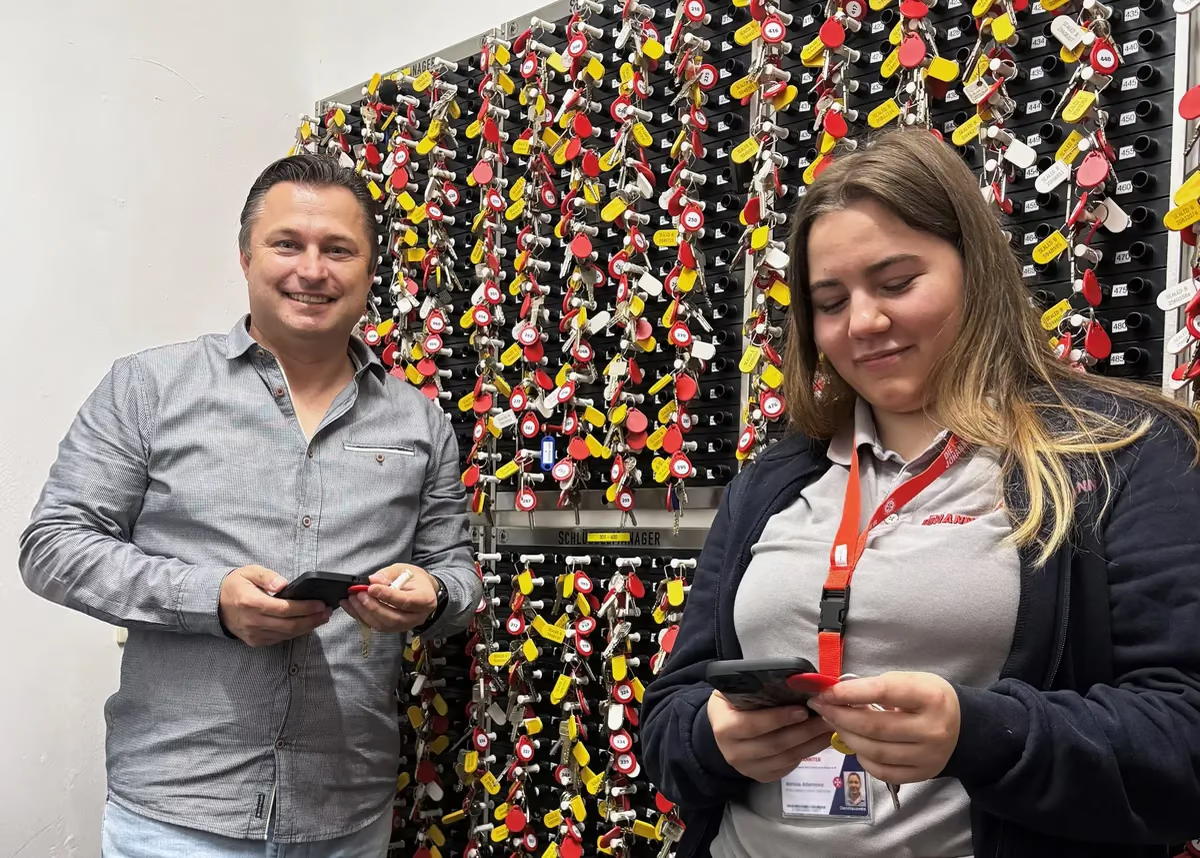
- The problem: Key data is maintained in the emergency call software (such as UMO) and also tracked by hand on slips of paper. This double entry causes errors and costs valuable working time.
- The Log+Key solution: Efficient digital processes. Log+Key keeps the admin work to a minimum. Key movements are recorded automatically at checkout via NFC tag or PIN, with no need for duplicate paper lists.
Screencast at the terminal: an object is scanned, the return deadline “Tomorrow” is chosen under “Options” and the take is confirmed
4. An audit without audit-proof key records ❌
- The problem: Funding bodies, insurers or inspectors may require precise evidence of how subscribers’ keys are stored and managed. Gaps in that evidence can turn into a liability risk.
- The Log+Key solution: Audit-proof documentation. Every checkout and return is logged in Log+Key in a tamper-proof way. At the push of a button you produce complete reports for auditors.
How should keys from new subscribers be taken on?
Whether a key is at hand at three in the morning is decided on day one: when it is taken on. This sequence has proved itself:
- Record the key holding in writing: which keys (front door, flat door, letterbox), how many, for which address, where they are kept and who took them on — with a signature. Our key holding agreement is available as a free template.
- Inform subscribers and their families: the client leaflet on key holding explains what happens to the key and can be handed over on the spot.
- Photograph the key bunch: a photo on the object in Log+Key makes mix-ups visible before they become a problem on a call-out.
- Attach an NFC tag and set the storage place: from then on, every checkout and return is a scan on a smartphone or at the terminal.
How do key management and the control centre (UMO) work together?
Home emergency call organisations dispatch from their control centre software — in most associations that is UMO. A key management system running alongside it creates exactly the double entry you want to get rid of. That is why Log+Key provides a UMO integration: the key status flows straight into dispatch, and UMO stays the leading system.
An existing key safe does not have to be replaced either. Via the Wiegand interface, locking systems such as SimonsVoss can be connected; safe openings then appear automatically in the Log+Key history. Read how several German Red Cross (DRK) district associations work this way in the DRK customer story. All integrations are listed under Integrations.
What should be checked at the end of a shift?
In a home emergency call service, keys are rarely passed from hand to hand: a key is taken out, travels to the call-out and is meant to go back to its place afterwards. That is exactly where the typical gap appears — the key ends up in a jacket pocket, or it is back on the board but the entry is missing. These moments should be documented:
| Moment | What is documented | How |
|---|---|---|
| Start of a call-out | Checkout: who, which key, when | NFC scan on a smartphone or at the terminal |
| Back from the call-out | Return to the storage place | Scan when putting it back |
| End of shift | Which keys are not back yet? | Live overview, “Overdue” filter |
| Regularly | Is the stock complete and in order? | Inventory with a fixed result |
With a return deadline — up to the end of the shift, for example — a key switches to “Overdue” automatically once it has passed. Log+Key then sends a single email to the person who has it and, if you wish, to further addresses such as the control centre. That way the key in the jacket pocket is noticed the same evening — not at the next alarm for that very flat.
Put an end to key chaos in your home emergency call service!
Fast access in an emergency protects lives and shows subscribers and their families how professional your service is. Read more about the benefits of Log+Key for home emergency call services.
Book a free demo now! In 15 minutes we will show you how easily it fits into your working day. Or set up your own test instance in a few steps and see for yourself! More practical insight from the sector: What home emergency call organisations taught us about key processes.