Picture the situation: Friday, 10 pm — water damage at a business park. The emergency team is on its way and time is short if bigger damage is to be avoided. But when someone reaches for the key cabinet at the depot, there is a nasty surprise: the master key is missing. The colleague from the late shift accidentally left it in the company van — but how do you find that out in a hurry?
In the day-to-day business of caretaker services, missing keys, incomplete handovers and illegible key logs are unfortunately all too often the norm. Yet delays in getting access are only the tip of the iceberg: with every property you look after, you carry full responsibility for someone else’s locking system.
In this article we walk through 5 typical key situations from everyday caretaker work — and how to get them under control effortlessly and with a proper audit trail using Log+Key.
Which key situations does every caretaker service know?
1. An evening call-out and the property key is missing 🚨
- The problem: A burst pipe or a power cut calls for immediate action. But who last took the master or plant-room key? If precious minutes tick by because colleagues have to be phoned one by one, or keys are sitting in the wrong service vehicle, costly consequential damage to the property follows.
- The Log+Key solution: With our mobile app and the smart terminals, you can see at any time who has which key and where it is. No more hunting around in an emergency: one glance at your smartphone shows the exact location and the person responsible.
Screencast: the object list is searched for “Dienstwagen”, the “Taken by” column shows who has which key; then a user’s detail page lists their taken objects
2. A call from the property manager: 'Who was in the boiler room?' 📞
- The problem: A property management company reports irregularities or damage in a plant room and wants to know who had access over the past few weeks. A vague paper log or verbal guesses are no longer good enough for clients — and they leave your business exposed to liability.
- The Log+Key solution: A complete history at the push of a button. Log+Key records every movement in a history that cannot be altered — entries are never deleted. Using the history feature you filter by property or room in seconds and produce a complete record of every checkout, including date, time and employee.

3. Outside tradespeople and subcontractors on site 👷♂️
- The problem: For maintenance or repairs, external service providers such as heating engineers or electricians need property keys at short notice. Keys are handed over, but signing for them gets lost in the daily rush. In the worst case, by the end of the week nobody can find the key.
- The Log+Key solution: Secure issuing to third parties with automatic deadline monitoring. You assign property keys digitally to external people and set a maximum loan period. Once the deadline passes, Log+Key marks the key as overdue and sends an email to the person who has it — and, if you wish, to further addresses such as your key administrator. External people don’t need an account of their own: you add them as a contact and, if you like, have them sign for the handover directly on the device.
Screencast: the key ring “Bund Verwaltung” is assigned to the external contact Petra Vogel via “Assign object” and confirmed with her signature; she then appears under “Taken by”
4. Shift changes in the fleet and keys handed over on the go 🚚
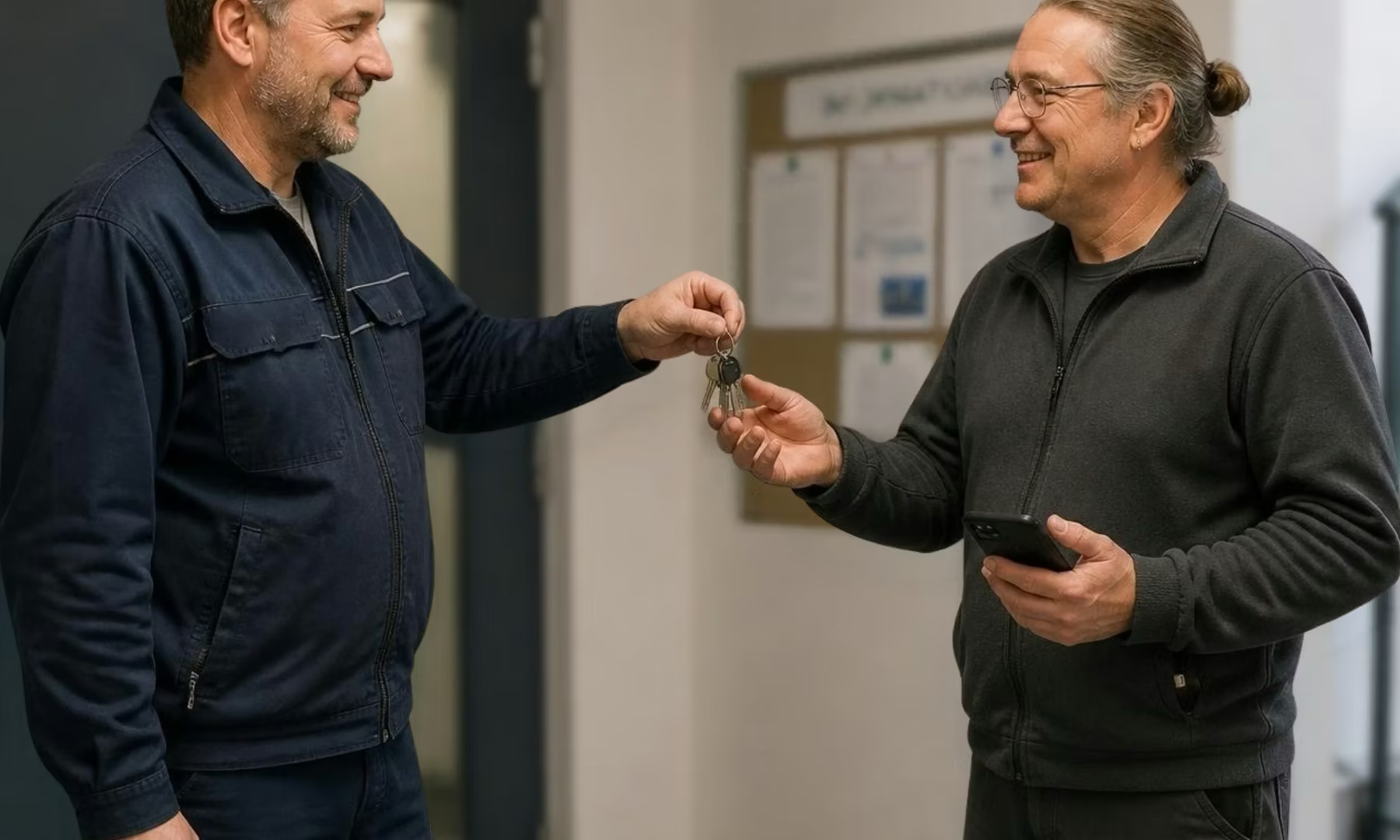
- The problem: The field team changes over mid-round. Keys for bin stores, underground car parks or plant rooms are passed from van to van right there in the street. Without a stop at the office, nobody knows who is responsible for which keys at the end of the shift.
- The Log+Key solution: Digital sign-off right where the work happens. A key handover can be confirmed on the go with two taps in the Log+Key app — in seconds, by smartphone and NFC tag. The chain of responsibility stays fully traceable, with no paperwork at all.
Smartphone screencast: a radio that a colleague currently has is taken over with “Transfer” and a short comment, then confirmed
5. When properties change operator or contracts end 🔄
- The problem: When properties are handed over to, or back to, the property management, you need to prove exactly which keys exist (e.g. master key, bin store, meter room, letterboxes). If individual keys are missing when the contract ends, you may end up paying to replace entire locking systems.
- The Log+Key solution: Structured object assignment and custom fields. In Log+Key you record exactly which components a key ring contains. When a contract starts or ends, you generate digital handover records with a single click and send automatic receipts to the property management.
How do you manage tools and equipment in the same system?
What applies to a key — who has it, since when, where is it? — applies to every piece of equipment your team carries between properties: the ladder, the cordless drill, the expensive measuring device lying in the wrong van. Caretaker services put that question to us, which is why in Log+Key the key is simply the most common case.
- Every piece of equipment gets an NFC tag — as a fob, a sticker or with a cable tie, depending on what it needs to go on.
- Same scan, same history: the toolbox sits in the same overview as the master key.
- When staff change, the overview of open checkouts per person shows the measuring device too, not just the key ring.
More on our page about inventory management. If you still issue tools on paper, there is a free template for tool and equipment checkout.
How do you pass keys on to subcontractors without losing the paper trail?
As a caretaker service you are already a service provider yourself — and you still pass keys on: to the subcontractor for lift maintenance, to the electrician, to the client’s technician. The key is then two steps away from the owner, and each step needs evidence. Otherwise you end up answering for what a third party did with the key.
- Add the recipient as a contact — first and last name are enough, plus an email address if they should receive a receipt. They don’t need an account.
- Assign the key and, if you wish, have the handover signed directly on the device.
- Send the receipt: Log+Key creates a PDF — who, what, when, with signature — to print or to email to the recipient.
- Set a return deadline: once it has passed, the key shows as overdue in the overview.
- Book the return: when the key comes back, that is documented too — the recipient appears by name in the history, even years later.
Step by step in the documentation: Handing objects to external people. For handovers on paper, the key handover form is available as a free template.
App or terminal — which suits a caretaker service?
The principle is always the same: a tag on the key ring, a scan at every movement, a history without a list. Which device is right depends on how you work — not the other way round.
| Team is out on the road all day | Business with a central depot | |
|---|---|---|
| Typical routine | Keys stay with the team; handovers happen in the van or at the property door | Everyone collects their keys at the depot in the morning and brings them back in the evening |
| Device | App on the work smartphone | Terminal at the depot |
| Handover | A colleague takes over the key directly from another colleague in the app | Tap your name, enter the PIN, scan the keys — whatever is scanned is checked out |
| Strength | No detour via the office | Checking out many keys in seconds, no queue at the depot |
Many businesses use both: the terminal at the depot, the smartphone on the round. More experience from the sector: What building service providers taught us about keys in the field.
Put an end to key chaos in property maintenance!
Professional key management is more than just tidiness; it is an important signal of how professional and reliable your caretaker service is to property managers and owners. Read more about the benefits of Log+Key for caretaker services.
Book a free demo now! In 15 minutes we will show you how easily it fits into your working day. Or set up your own test instance in a few steps and see for yourself!